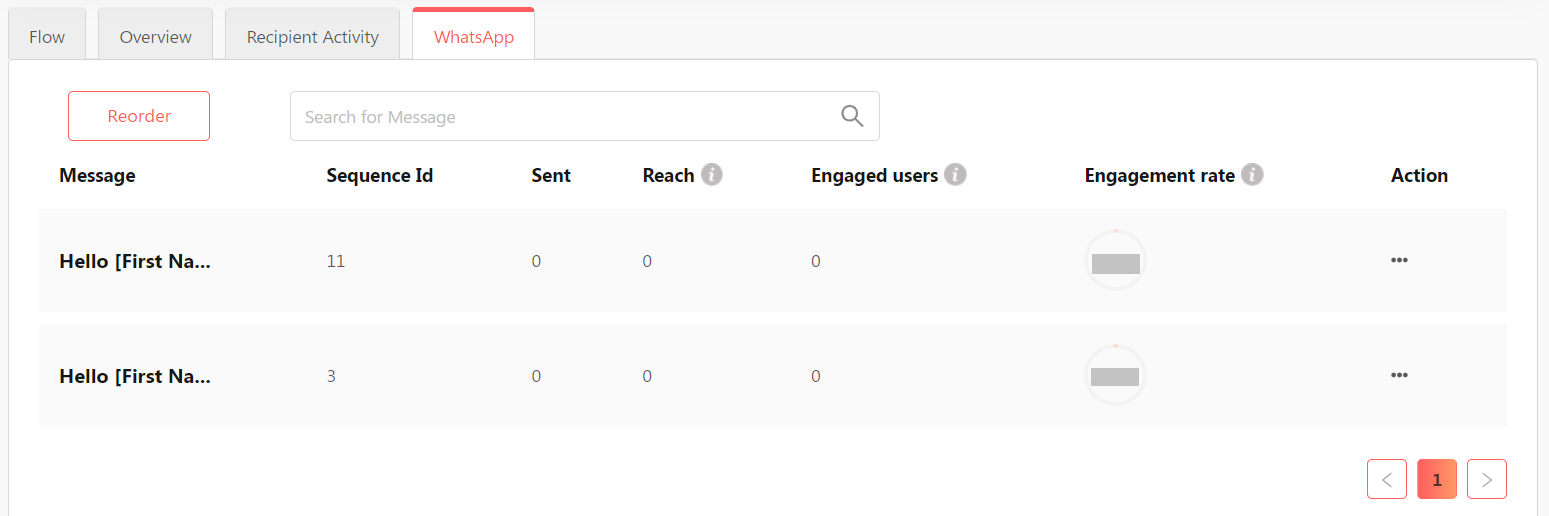
To monitor data from your WhatsApp campaign, perform the following steps.
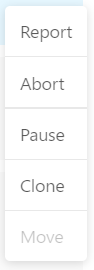
- Click the 3-dots next to the campaign.

- Select Report.
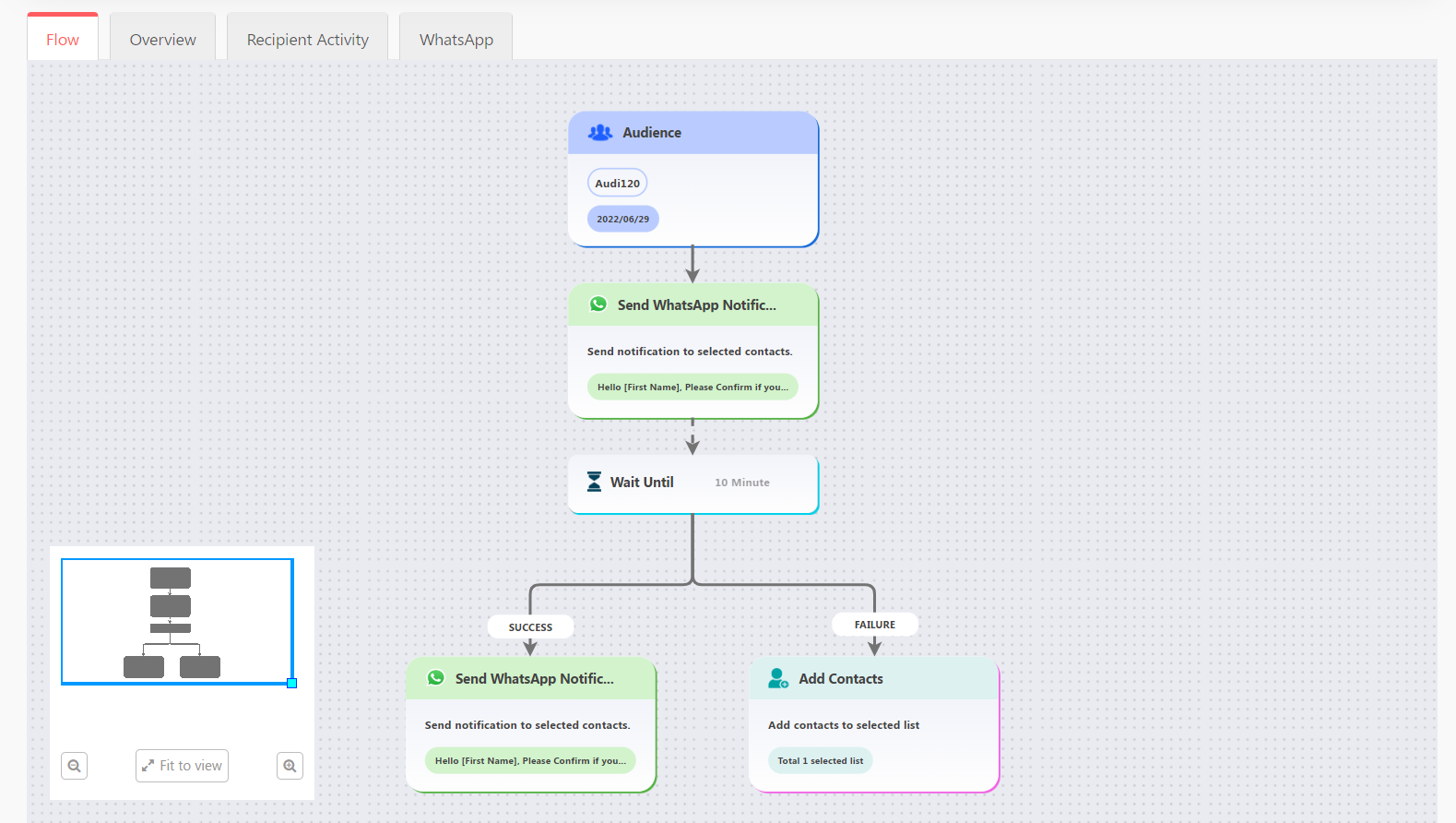
- Here you can see the fundamental metrics for the WhatsApp campaign.

- This is the overview of the campaign flow.
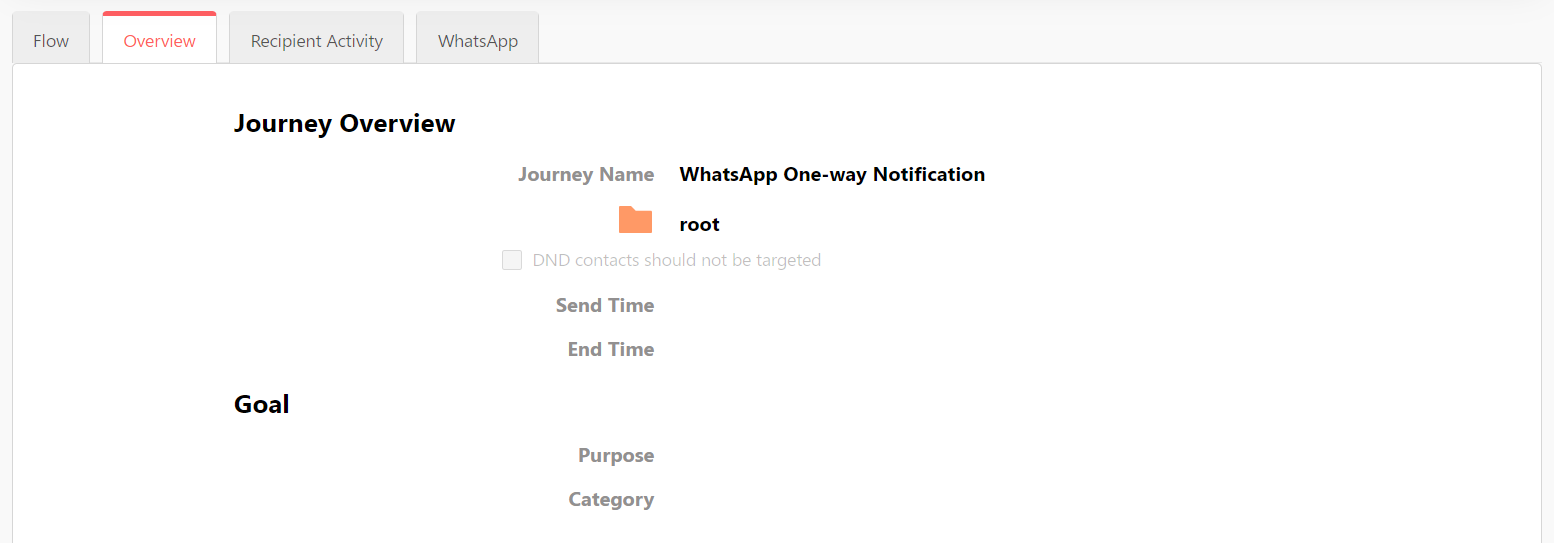
- The Overview tab gives general information about the campaign.
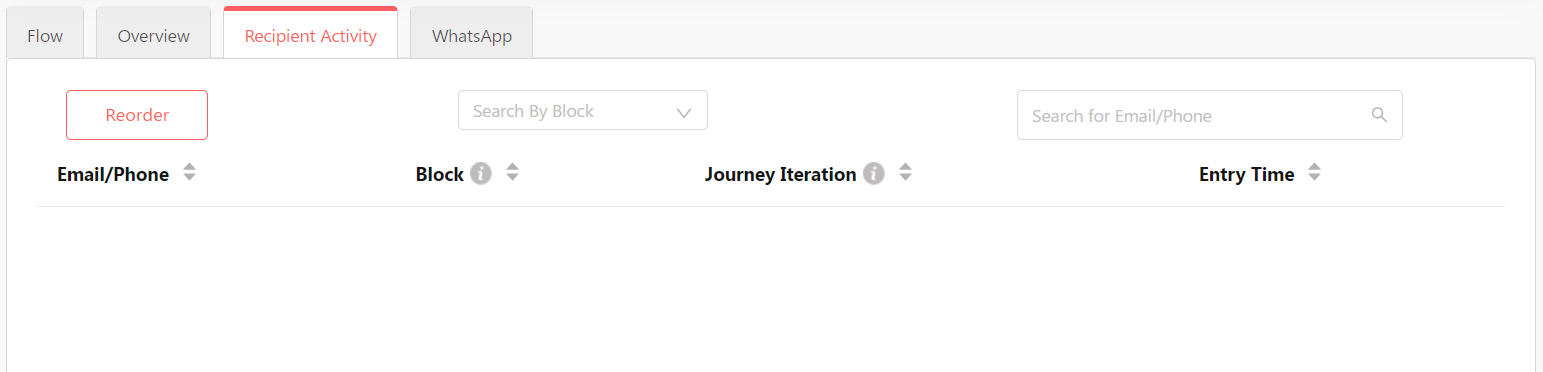
- The Recipient Activity tab gives information of engagement of individual contacts with your campaign.
- In the WhatsApp tab, you can check data specific to the WhatsApp templates.